6 steps
From first launch to your first room decision in ViedME.
 VIEDME PRIVATE CHALLENGES
Onboarding is intentionally short: sign in securely, choose how the app speaks to you, create the name and avatar your friends will see, then confirm the privacy and notification settings that keep rooms working properly.
6 steps
From first launch to your first room decision in ViedME.
Private identity
Use a nickname and avatar instead of exposing a public real-world profile.
System-ready
Privacy consent and notifications prepare the app for room invitations and challenge updates.
Before you begin
ViedME is built around private rooms, leaderboards, approvals, and timely challenge activity. The onboarding flow makes sure your account is secure, your in-room identity feels like you, and important system events can reach you when they should.
Walkthrough
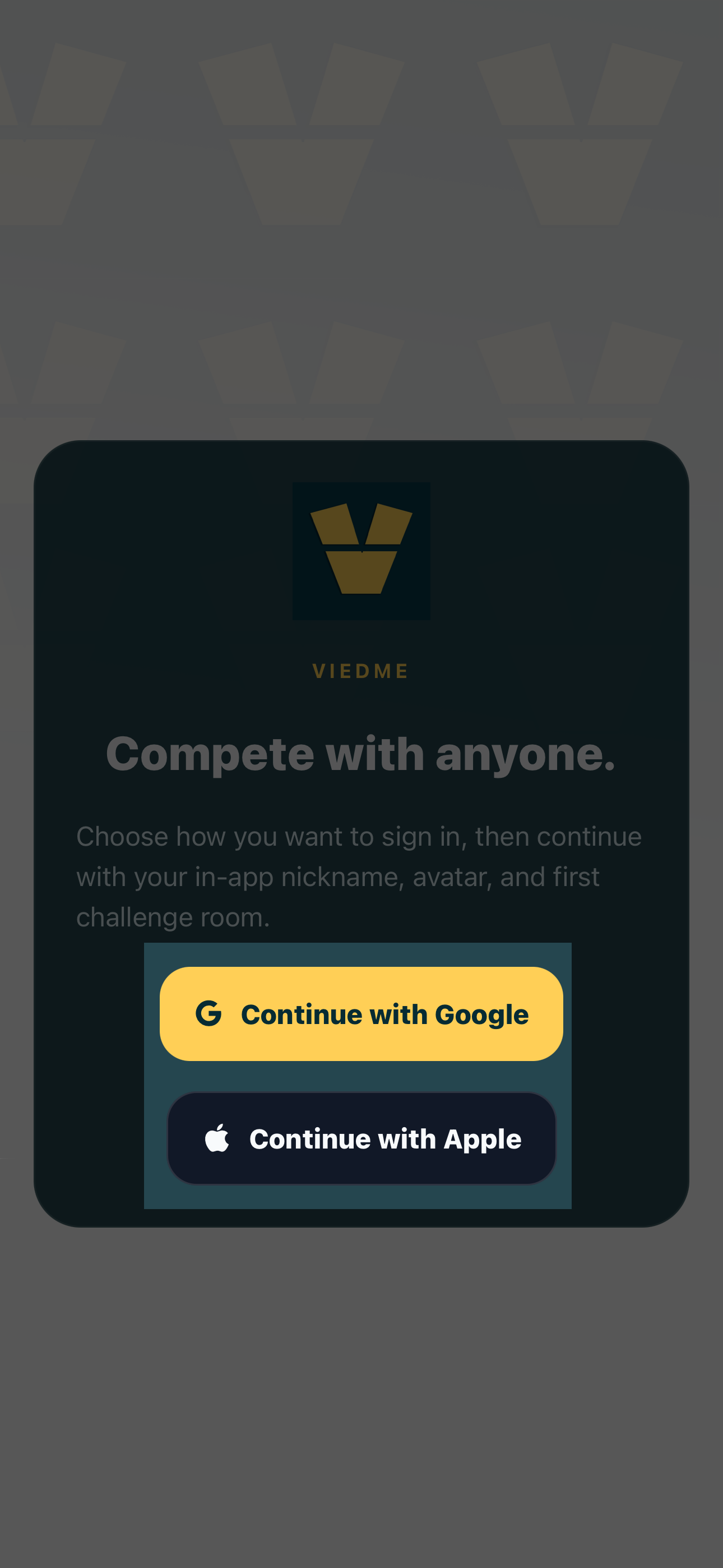
Start with the sign-in option that matches your device and account preference. Google and Apple sign-in keep access fast, familiar, and safer than managing another password.
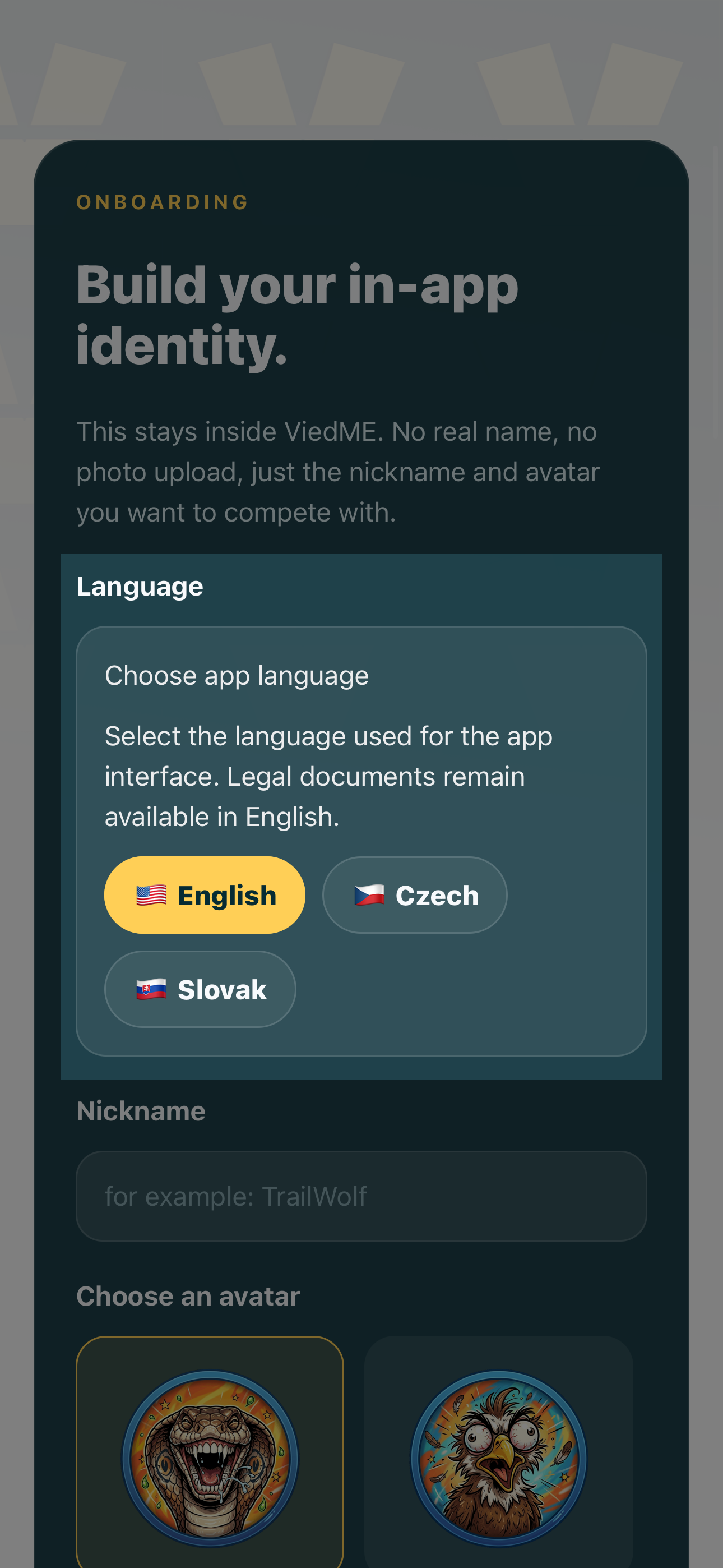
Pick the language you want ViedME to use across onboarding and the app experience. This makes room actions, confirmations, and system messages easier to understand from the first session.
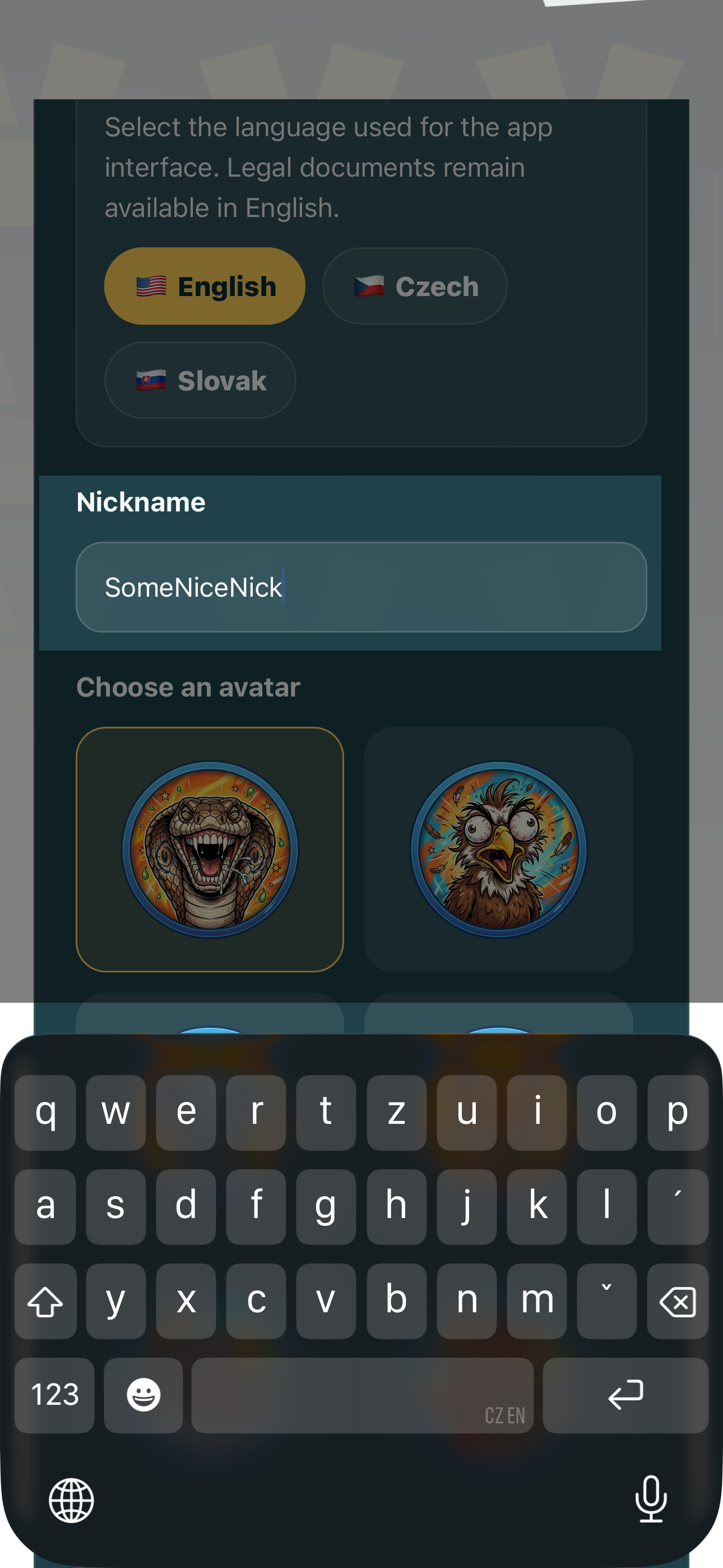
Your nickname is the name other people see inside rooms, rankings, and challenge activity. It can be playful, short, and recognizable without needing to reveal your full real name.
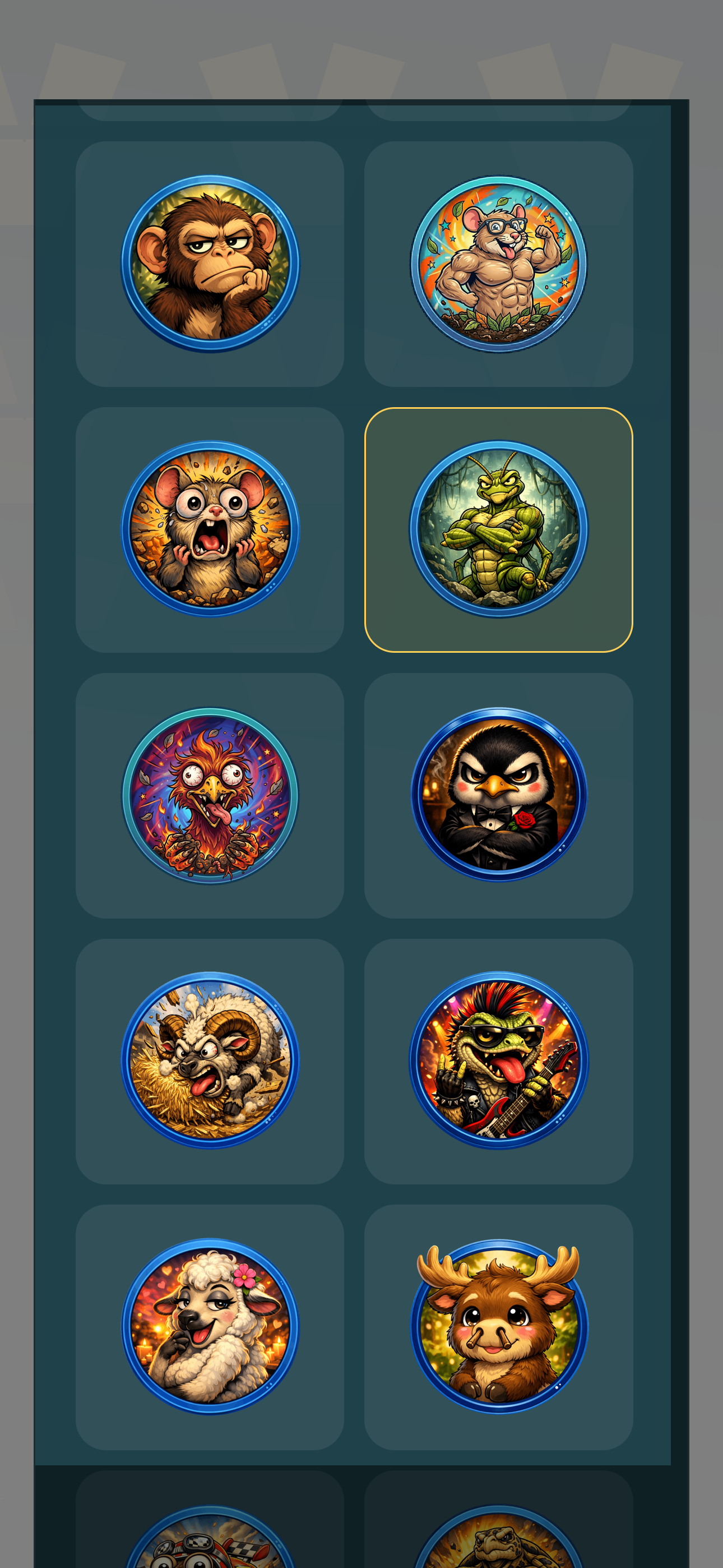
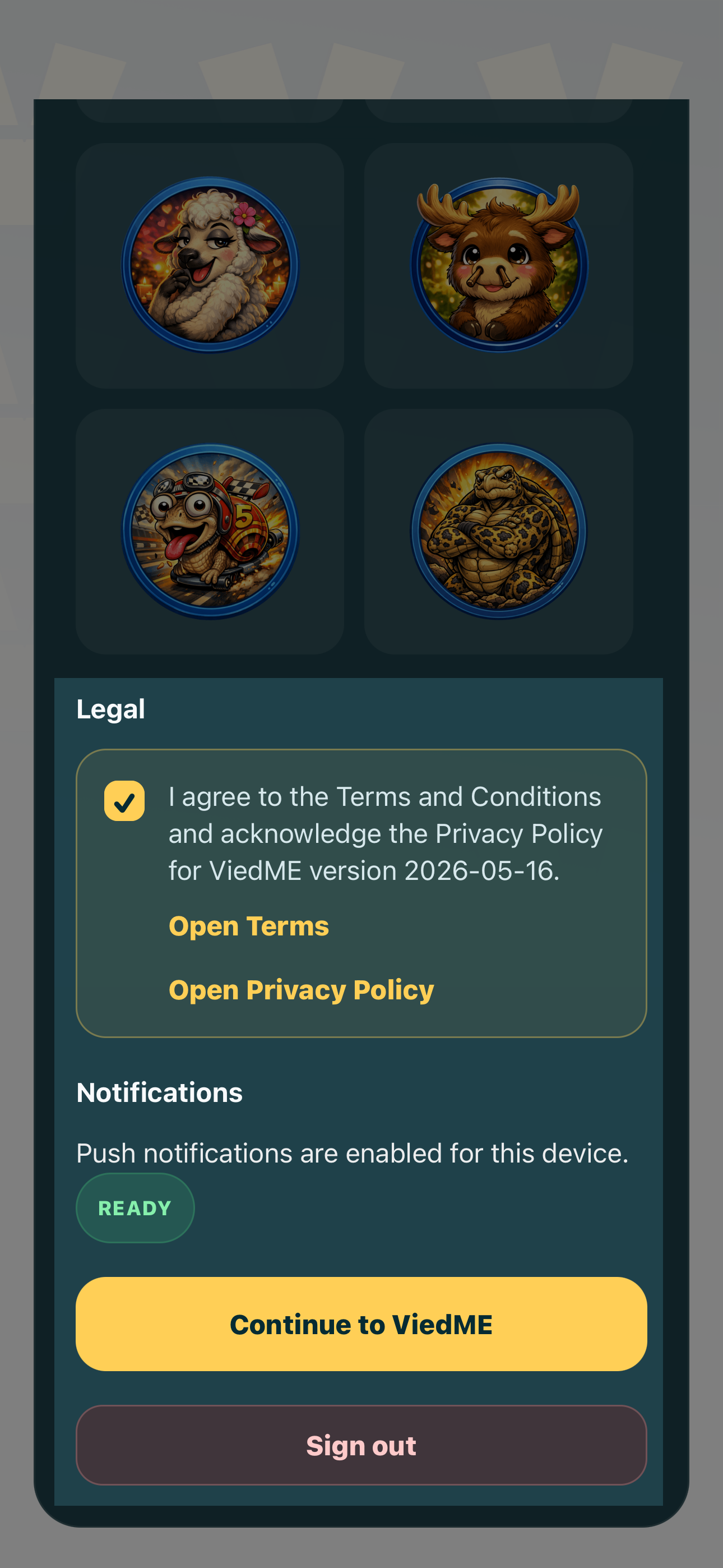
Choose the avatar that represents you in ViedME rooms. Avatars make the app feel more social and help players scan leaderboards quickly during active challenges.
Finish onboarding by reading the privacy policy and terms, then allowing notifications for important system workflows such as invitations, approvals, room updates, and challenge activity.
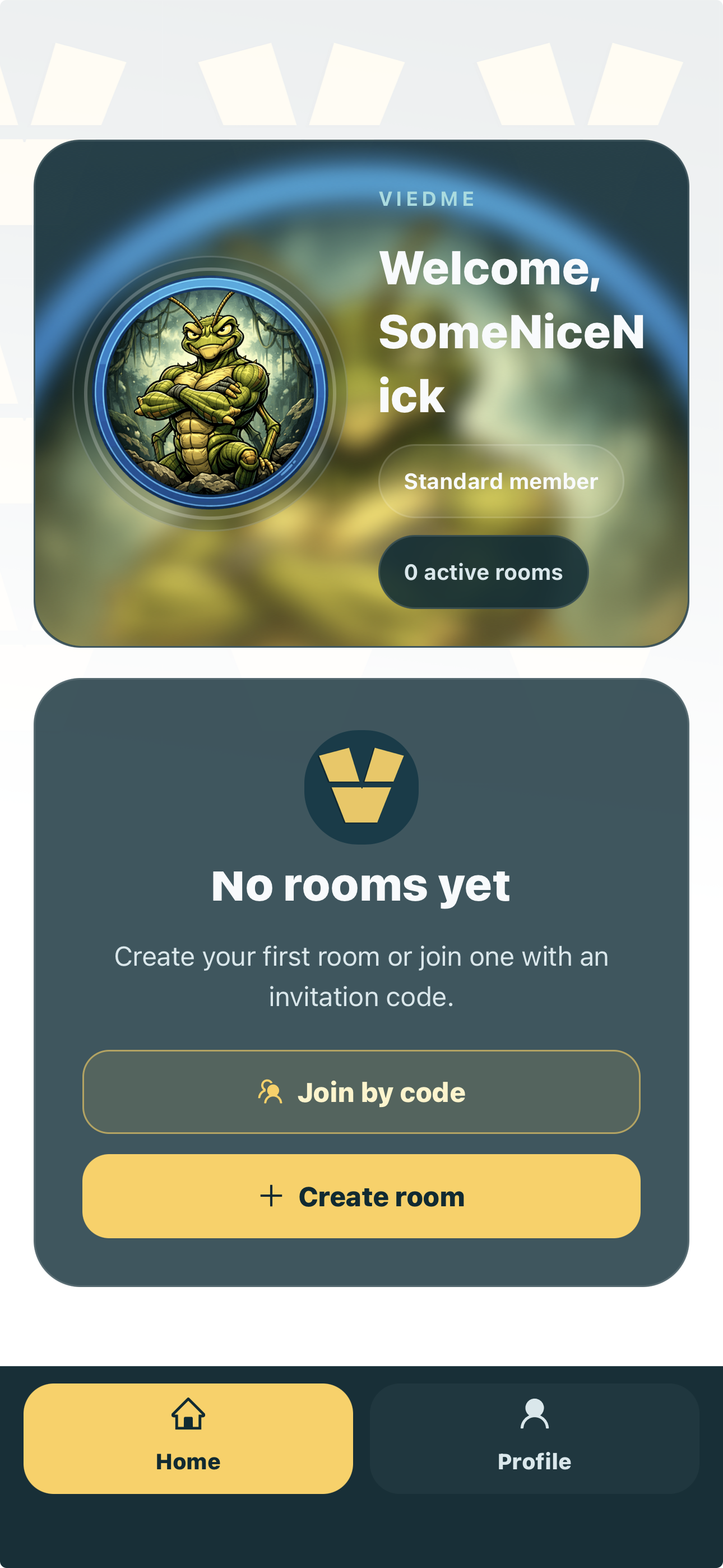
After sign-up, ViedME gives you two clear paths. Create your own room, select from the available challenge types, and manage the experience as the room owner. Or join an existing room with the special code generated and shared by that room owner.
Senior tip
Choose a nickname and avatar your group will recognize quickly. In ViedME, identity is part of the room energy: it helps people read rankings, comments, and results without needing real names.
FAQ
No. ViedME is designed around a nickname and avatar, so you can be recognizable inside private rooms without turning your account into a public real-name profile.
Notifications support important room workflows: invitations, approval updates, challenge activity, and system messages that help private competitions run smoothly.
Yes. The website guide and ViedME onboarding experience support English, Slovak, and Czech so users can start in the language that feels most natural.
You can either create your own private room and manage a selected challenge, or join an existing room with the special code generated by that room owner.
Start in the app
This guide is here when you need it, but your account, rooms, invites, and challenges live in the mobile app. Install ViedME and start with the same secure Google or Apple sign-in.