01
Download ViedME
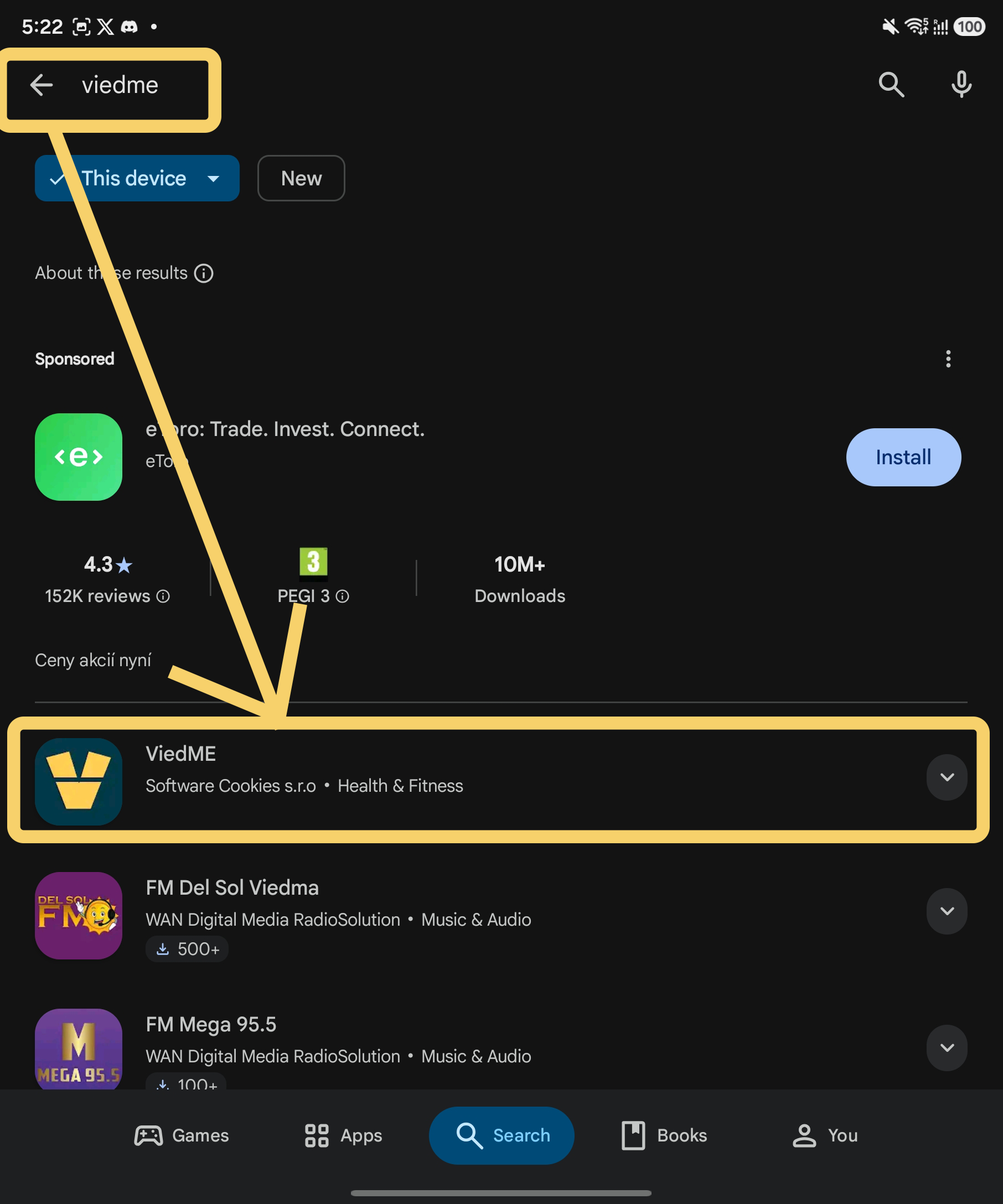
Install ViedME from the App Store or Google Play. It takes less than a minute to get started.
 VIEDME PRIVATE CHALLENGES
We are asking friends, colleagues, teams, and early users to help us test private challenge rooms before the next version of ViedME. As a thank-you, selected testers receive temporary Premium and a special 2026 avatar set in the app.
Your ViedME ID matters. We use it to match the tester thank-you benefits to the right app account. Premium and special avatars stay tied to your ViedME identity.
Your tester key
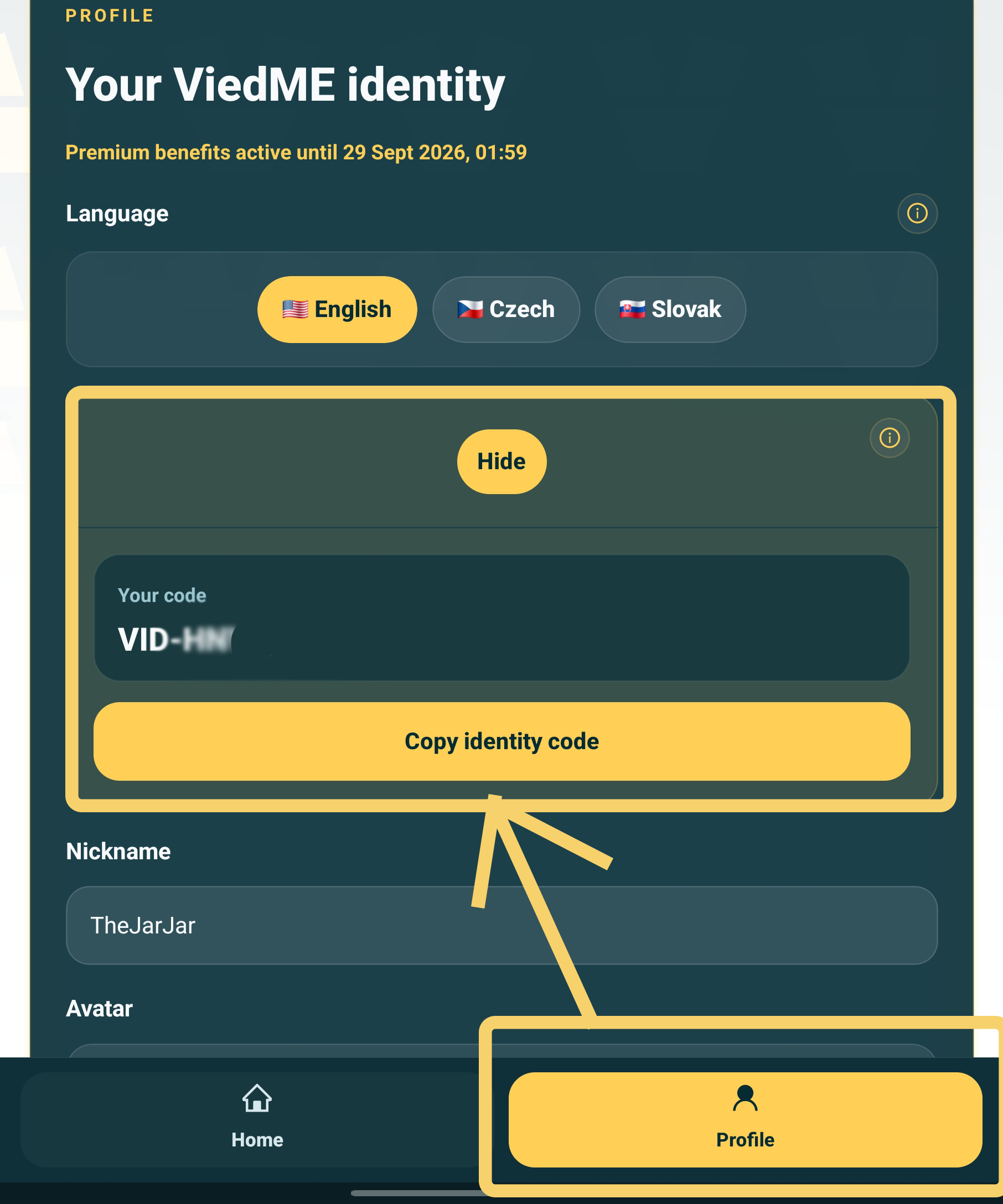
Before we unlock the tester thank-you benefits, we need to know which app account should receive them. The ViedME ID is built for that: a simple personal code inside the app.


Your submitted ViedME ID is the one code we use to grant Premium access and special tester avatars to the correct account.
Open onboarding guide01
Install ViedME from the App Store or Google Play. It takes less than a minute to get started.
02
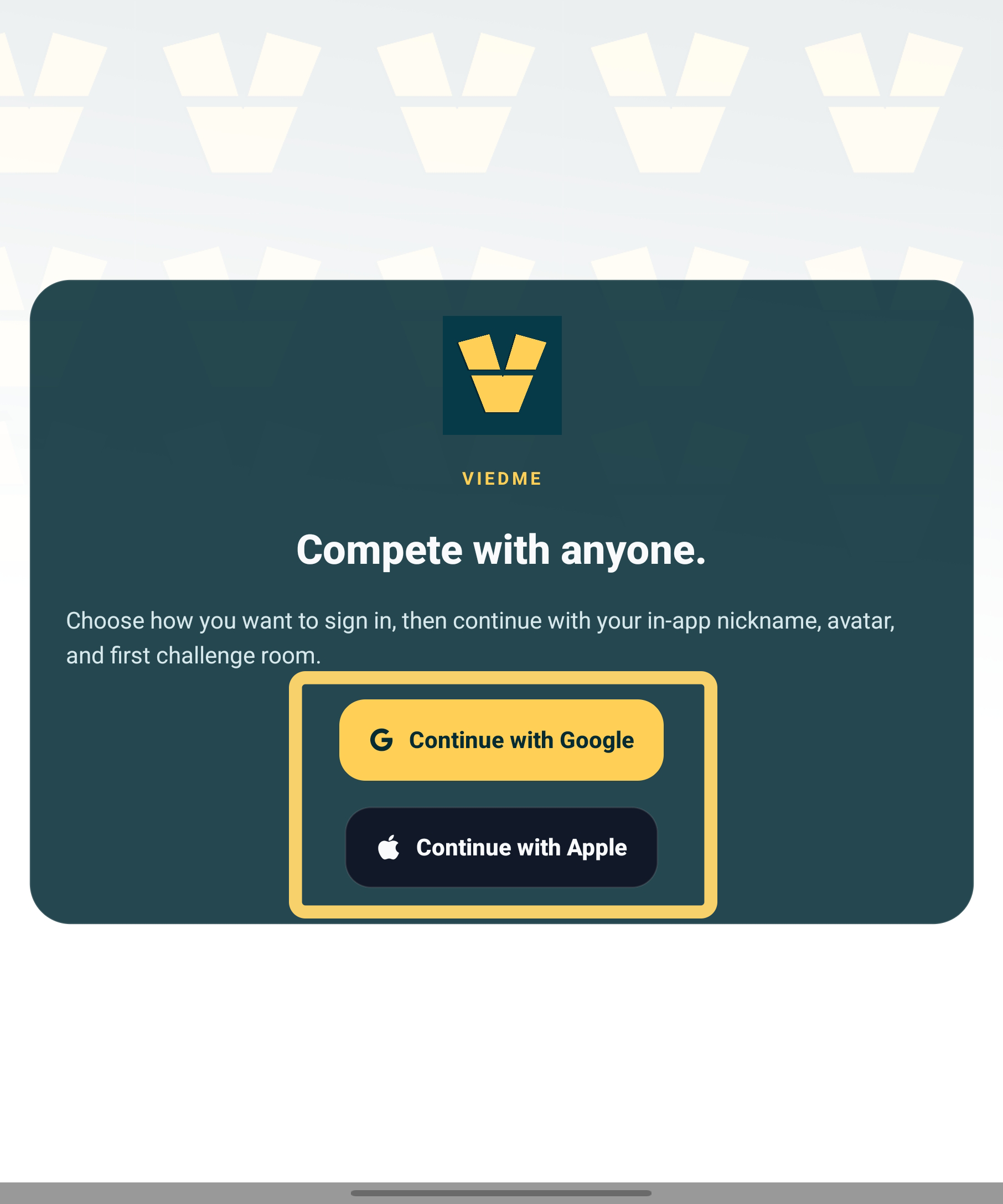
Sign in with Apple or Google and finish onboarding. If you need help, our onboarding guide walks through every screen.
03
Open your profile card and tap View Identity. Your personal ViedME ID unfolds there, ready to submit with the testing form.
Two paths
Room owners
Choose this if you want to create a private challenge for a team, friend group, company, or community. It works well for HR, team leads, event organizers, or anyone who wants to test ViedME with their own group. Note: shared testing rooms are prepared separately for participants. Organizers test their own room.
That's me, I want to create my own challengeParticipants
Join one of the prepared testing rooms. We will send the room codes by e-mail, and you will help us test how ViedME feels from the participant side. You can join one, multiple, or all three rooms if you want to try more challenge types.
That's me, I want to join a challenge!Challenge types we need to test
In this public test, we want to try three challenge types: Lazy Step, Different Body Challenge, and Sweat Zone. Organizers can create their own room in any available format. Participants will receive codes for prepared testing rooms.
Campaign dates
Prepared testing rooms run from September 1, 2026 at 1:00 AM to October 31, 2026 at 11:55 PM.
These dates apply to the prepared testing rooms for participants. Organizers receive Premium from activation until November 30, 2026, so they have enough time to create, set up, and test their own room.
Compete in steps
Private step leaderboard
Lazy Step turns everyday walking into a private challenge with a leaderboard. Members sync steps, follow their progress, and use light group motivation to make ordinary movement feel social, visible, and worth returning to every day.
Explore Lazy StepBody goals
Private progress score
Different Body Challenge is built for longer personal changes. Groups can compete around body goals while personal numbers stay private. Others in the room mainly see score, ranking, and progress over time.
Explore Body ChallengeCalorie burn challenge
Burned-calorie leaderboard
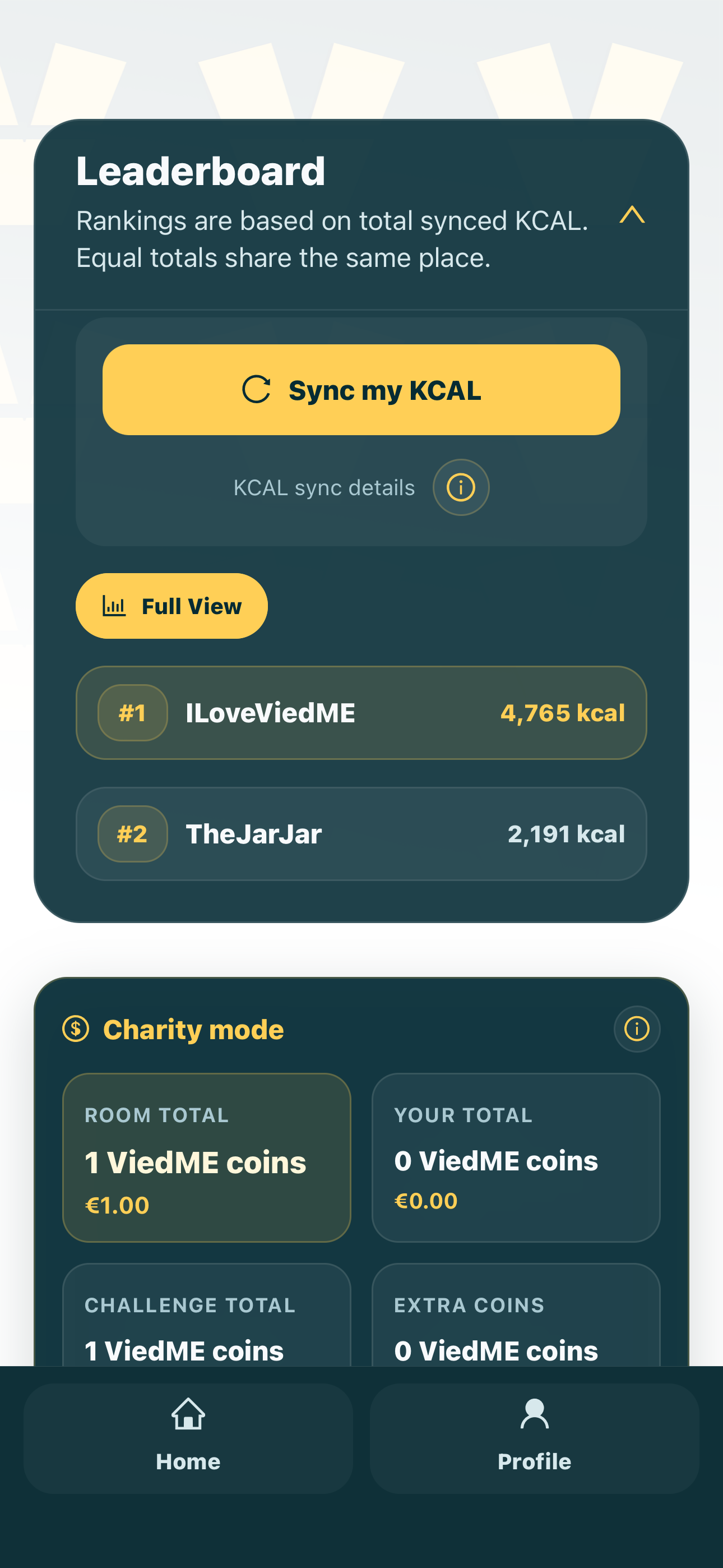
Sweat Zone focuses on burned-calorie goals for groups that want training, workouts, and active days to count beyond steps. It gives movement-focused groups a clear leaderboard based on activity intensity.
Explore Sweat ZoneTester thank-you
Room owners and participants who submit a valid ViedME ID and confirm their e-mail receive the 2026 tester avatar set for that app account. They make it visible inside the app who helped with the first bigger test.
It is a small thank-you for helping us test real rooms and sending honest feedback.








Testing request
Choose how you want to join, add your ViedME ID, and confirm by e-mail.
After submitting
Activation e-mail
Open the e-mail we send and confirm that the testing request is really yours.
Thank-you unlock
After activation, a valid ViedME ID receives Premium access and special tester avatars.
E-mail with next steps
We will send contacts and either prepared testing room codes for participants or own-room setup guidance for organizers.